Obby Craft: Build a Plane
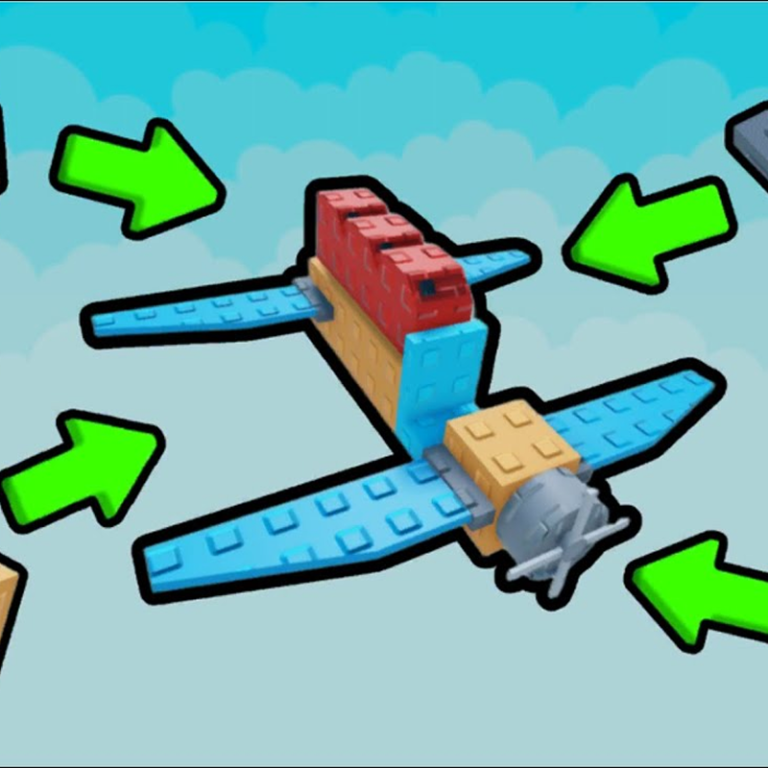
"Obby Craft: Build a Plane" — play for free, where you will become an aircraft designer! The main mechanic is to assemble an airplane from parts in a convenient airplane constructor. Each block affects the flight! Collect coins on the map as you fly to accumulate in-game currency. Go to the parts store, buy new items and improvements. Leveling the slingshot will allow you to launch your aircraft faster and higher! Game Features: Assemble your plane from dozens of parts. Complete the level and test the car in action. Roulette slot: spin the reel and get bonuses! Shop for parts and skins. 2 free skins. Save Build: Up to 4 slots for your projects.
Play Obby Craft: Build a Plane
The game loads from Playgama when you press Play. The provider may display advertising and purchase offers.
Open game in a new tab if the player does not load.
How to play
How to play "Obby Craft: Build a Plane"
1. Assemble your airplane from parts
You need to approach the plane (there is a crafting area next to it)
Select a part in the inventory at the bottom
Click to install next to the plane
If you have run out of parts, you can buy them in the store.
2. Upgrade your slingshot
A slingshot awaits you before takeoff. The more powerful the leveling of the slingshot, the higher and faster you will go flying. Spend coins on improvements.
3. Fly and collect coins
Launch the plane. Control it in the air. There are coins scattered on the map — collect them right during the flight. This is the main in-game currency.
4. Go to the parts store and roulette
Buy new blocks in the parts store. There are 2 free skins — take them at once. Spin the roulette wheel and you can win rare items or a lot of coins.
5. Go through the obby-tests
An obstacle course (Obbi) awaits you. Dodge the obstacles!
Device support
The provider catalogue lists: For Android, For IOS, For Desktop. Compatibility and performance depend on your browser, device and connection.
Frequently asked questions
Do I need to install an app?
No app installation is required for this browser version. A compatible browser and internet connection are needed.
Who provides the game?
This game is supplied through the Playgama partner catalogue. Its software and artwork belong to their respective rights holders. CLAWLOYAL does not claim ownership of it.
What if it does not load?
Use the new-tab link in the player, check your connection and try a current browser. If the problem continues, report the game address and device details through our Contact page.