Dead Land: Survival
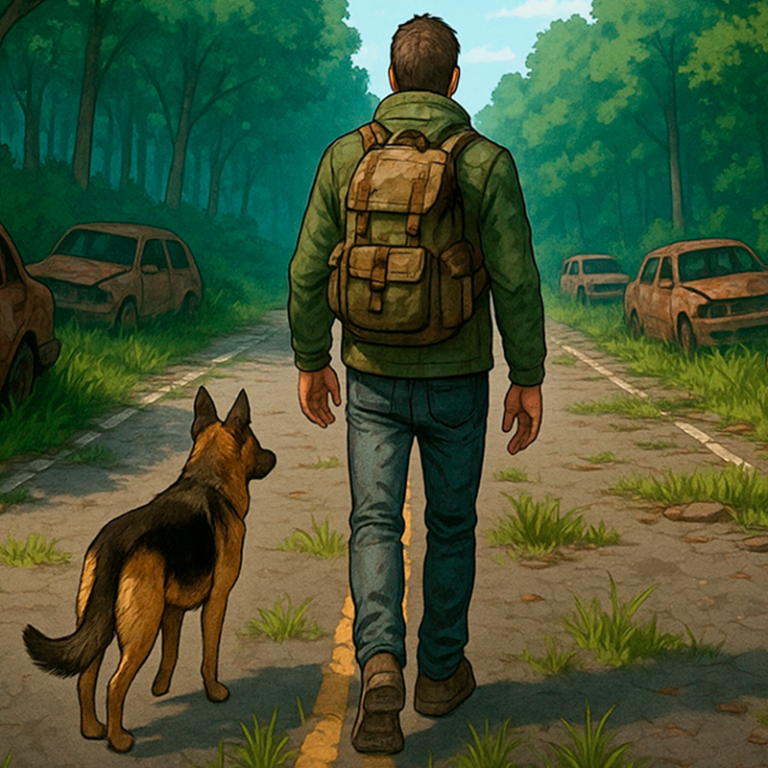
Dead Land: Survival is a multiplayer survival simulator set in a post-apocalyptic setting. The familiar world is destroyed – cities are in decay, with thousands of bloodthirsty zombies roaming their streets. Improve your hero, restore your shelter, venture beyond the safe zone in search of equipment, food, and crafting resources. Create new gear, join forces with other players in clans. FEATURES: • Battles against zombies. • Crafting weapons and equipment. • Restoration of the survivors' settlement. • Play with friends – raid elite bosses and participate in clan challenges! Join the battles right now!
Play Dead Land: Survival
The game loads from Playgama when you press Play. The provider may display advertising and purchase offers.
Open game in a new tab if the player does not load.
How to play
How to repair items?
Broken items can be repaired in the Workshop building under the Repair tab.
How to install a new chest in the warehouse? To do this, you need to free up space in the warehouse. Remove one of the installed boxes, clearing it of items, and then place the new chest in its spot.
What are lighters, cigarettes, matches, pine cones, and other items for?
Most in-game items may be needed for completing settler quests, and some items can be used to upgrade buildings and shelters. You can either accumulate items in advance or collect them as needed, selling excess items to the trader in the settlement. Choose a strategy that suits you best.
I collected 75 ears and can't enter Amelia's Diner, even though I brought them with me.
To unlock the location, move the infected ears from your inventory to the slot with the requirement 0/75.
How to start the game from the beginning?
Go to Profile, then Settings. Click on the "Start Over" button.
Device support
The provider catalogue lists: For Android, For IOS, For Desktop. Compatibility and performance depend on your browser, device and connection.
Frequently asked questions
Do I need to install an app?
No app installation is required for this browser version. A compatible browser and internet connection are needed.
Who provides the game?
This game is supplied through the Playgama partner catalogue. Its software and artwork belong to their respective rights holders. CLAWLOYAL does not claim ownership of it.
What if it does not load?
Use the new-tab link in the player, check your connection and try a current browser. If the problem continues, report the game address and device details through our Contact page.