Animal Clinic (Anomaly)
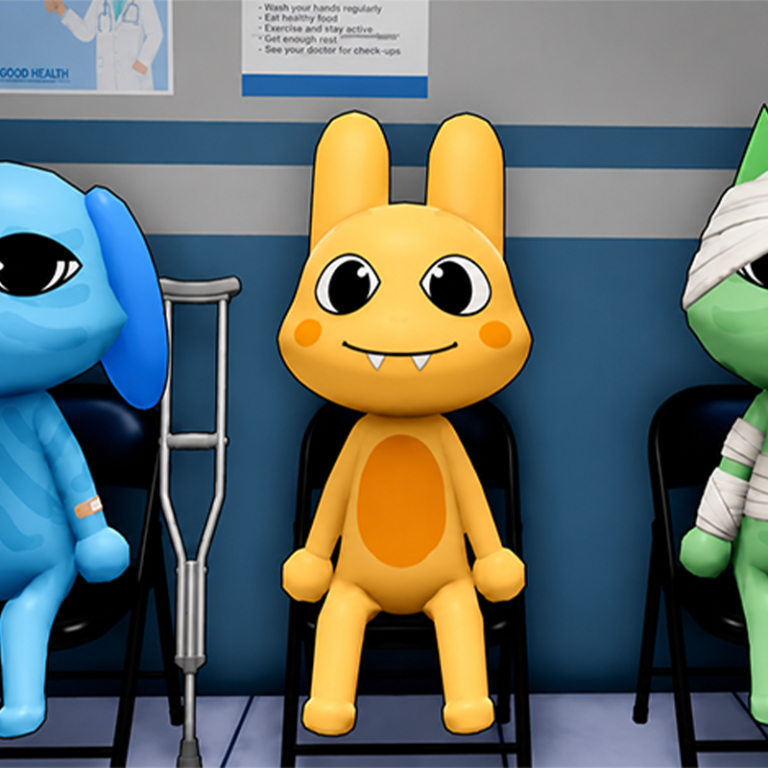
🏥 Welcome to Anomaly Animal Clinic — a vet clinic where no shift feels normal. 🐾 Check in patients, stamp forms, take photos, and treat them carefully. 👁 Stay sharp: anomalies hide among cute animals. 🧠 Protect your sanity, finish shifts, and keep the hospital from falling apart. 😱 Horror, humor, and tense vibes — prove you’re the doctor who notices everything!
Play Animal Clinic (Anomaly)
The game loads from Playgama when you press Play. The provider may display advertising and purchase offers.
Open game in a new tab if the player does not load.
How to play
🖥 PC controls
• WASD — move
• Hold RMB — look around
• Space — jump
• E — interact (or press the on-screen prompt)
• 1–9 — select inventory item
• LMB — use item / weapon; during an anomaly attack, press LMB to break free
📡 Security cameras (while viewing)
• Q — previous camera
• E — next camera
• Space or Esc — exit cameras
📱 Phone controls
• Left joystick — move
• Swipe on the right — look around
• Jump button — jump
• Press the on-screen interact button
• In cameras — use on-screen previous / next / exit buttons
📋 Clinic workflow
Talk to the patient at the desk
Stamp the forms
Take a photo
Use the registration computer
Print the badge, take it, and place it
Escort the patient to a room
Run tests, treat them, and watch for anything strange
👁 Tip: anomalies can look almost normal. Look twice, protect your sanity, and finish the shift quota!
Device support
The provider catalogue lists: For Android, For IOS, For Desktop. Compatibility and performance depend on your browser, device and connection.
Frequently asked questions
Do I need to install an app?
No app installation is required for this browser version. A compatible browser and internet connection are needed.
Who provides the game?
This game is supplied through the Playgama partner catalogue. Its software and artwork belong to their respective rights holders. CLAWLOYAL does not claim ownership of it.
What if it does not load?
Use the new-tab link in the player, check your connection and try a current browser. If the problem continues, report the game address and device details through our Contact page.