99 Nights in the Forest with Noob and Pro!
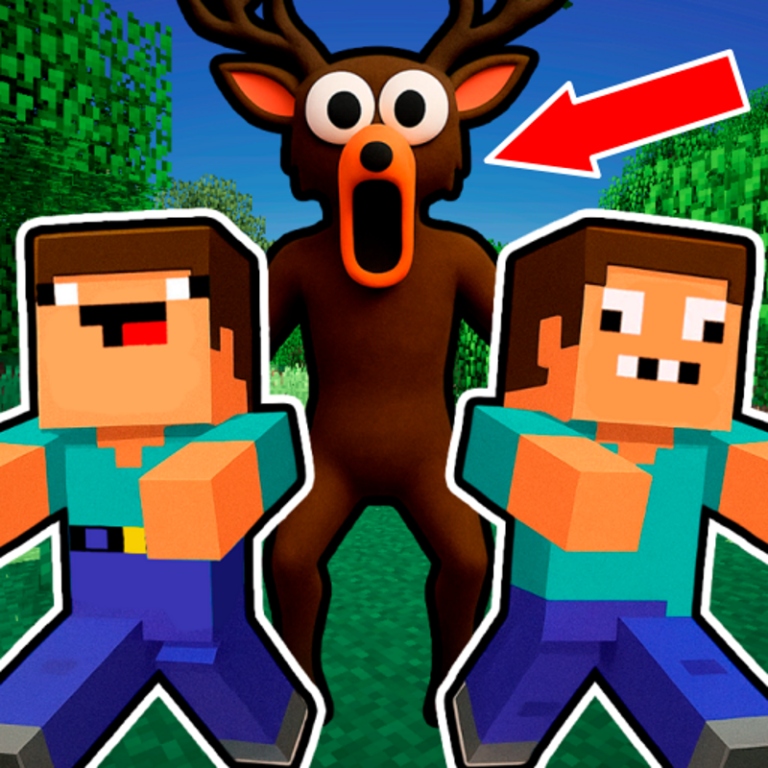
Welcome to "99 Nights in the Forest with Noob and Pro!" This is an exciting 2D Mine-style adventure where every night is a true survival challenge. 🪓 *Build and mine* — explore the world, gather resources, and create anything from solid bunkers to cozy houses. 🧱 *Various blocks and pickaxes* — choose tools and materials to your liking, level up, and unlock new possibilities. 🧑🤝🧑 *Character skins* — play as Noob or Pro, change your look, and stand out from the crowd. 🦌 *The main threat is the deer* from the *99 Nights in the Forest* mode! Avoid its gaze, hide, or run if it spots you. 🎮 *Play together with a friend* on the same device — survival becomes even more fun and exciting!
Play 99 Nights in the Forest with Noob and Pro!
The game loads from Playgama when you press Play. The provider may display advertising and purchase offers.
Open game in a new tab if the player does not load.
How to play
✨ Whether you play alone or with a friend, here’s everything you need to know about the controls:
🖥️ On PC
Player 1:
* Move — A / D
* Jump — W
* Look down — S
* Switch build/mine mode — Q
* Use item in hand — E
Player 2:
* Move — ← / →
* Jump — ↑
* Look down — ↓
* Switch build/mine mode — NumPad 1
* Use item in hand — NumPad 0
📱 On Mobile
* Move — ← / → buttons
* Jump — ↑ button
* Look down — ↓ button
* Switch build/mine mode — block / pickaxe icon
* Use item in hand — crosshair icon
Device support
The provider catalogue lists: For Android, For IOS, For Desktop. Compatibility and performance depend on your browser, device and connection.
Frequently asked questions
Do I need to install an app?
No app installation is required for this browser version. A compatible browser and internet connection are needed.
Who provides the game?
This game is supplied through the Playgama partner catalogue. Its software and artwork belong to their respective rights holders. CLAWLOYAL does not claim ownership of it.
What if it does not load?
Use the new-tab link in the player, check your connection and try a current browser. If the problem continues, report the game address and device details through our Contact page.