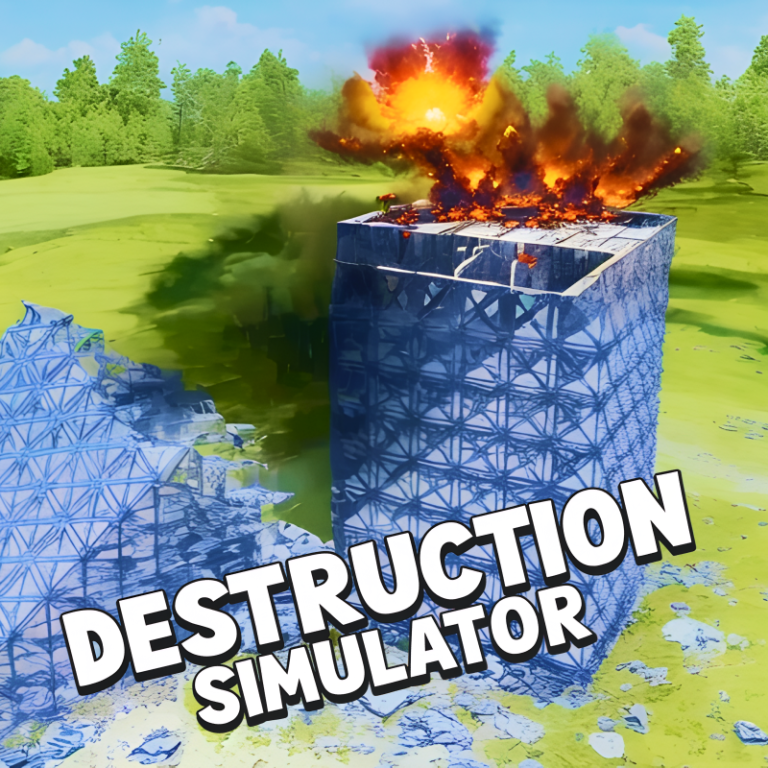
Destruction Simulator
• Slow-motion – You have the full control over the time rate: slow it down, inrease the speed or just stop the simulation • Gravity – Took it all from freezing time… Well, play with low / high gravity or just turn it off like you are in space 😉 • Control of gameplay – Disable or enable explosions visualization (if it covers debris you want to see), only smoke or even lights / flashes. – Too many debris on the screen? Just enable limitation option so all debris over certain value will smoothly disappear – Not enough debris? Simply increase destructibility level • Guns – About 13 different explosives (missiles, dynamites, bombs) – Earthquake, tornado, singularity – Different sized cannon balls – Custom gun editor
Play Destruction Simulator
The game loads from Playgama when you press Play. The provider may display advertising and purchase offers.
Open game in a new tab if the player does not load.
How to play
From a computer, press LMB (Left Mouse Button) and swipe across the screen to rotate the camera. Movement on WASD (and QE to raise the camera shutter). The rest is through the game interface.
For mobile use fingers and in-game UI:3
Device support
The provider catalogue lists: For Android, For IOS, For Desktop. Compatibility and performance depend on your browser, device and connection.
Frequently asked questions
Do I need to install an app?
No app installation is required for this browser version. A compatible browser and internet connection are needed.
Who provides the game?
This game is supplied through the Playgama partner catalogue. Its software and artwork belong to their respective rights holders. CLAWLOYAL does not claim ownership of it.
What if it does not load?
Use the new-tab link in the player, check your connection and try a current browser. If the problem continues, report the game address and device details through our Contact page.