Card Quest: 10 Minute Adventure
Card Quest: 10 Minute Adventure is available as a browser game through the Playgama partner catalogue. Read the game instructions below before starting.
Play Card Quest: 10 Minute Adventure
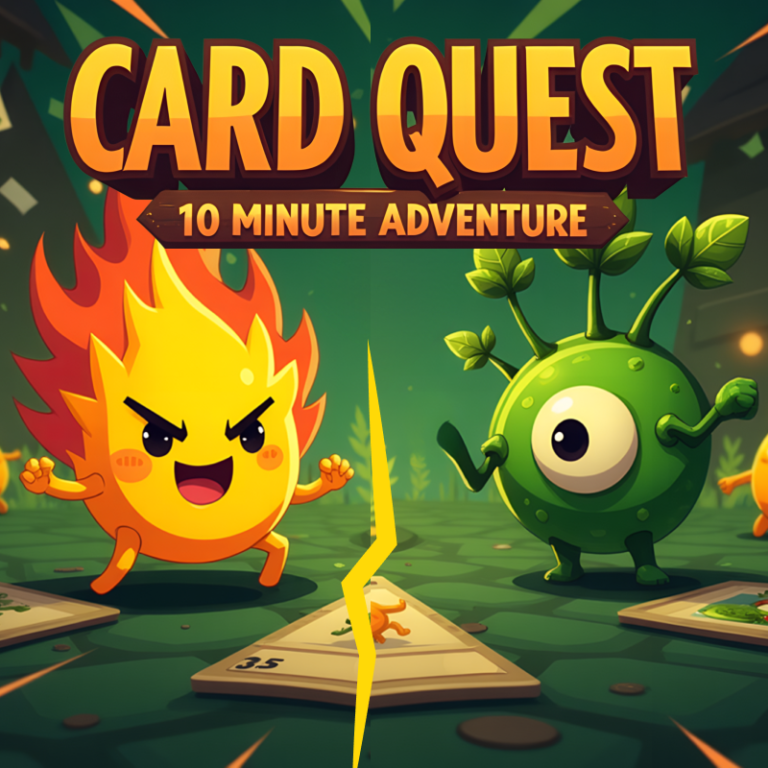
The game loads from Playgama when you press Play. The provider may display advertising and purchase offers.
Open game in a new tab if the player does not load.
How to play
• Deck Building: Before starting a match, create your deck using cards you’ve collected. Customize your deck based on strategy—focus on attack-heavy units, healing abilities, or powerful spells.
• Terrain Zones: At the start of the game, choose which terrains to place on your side of the board. Each terrain type allows only certain creatures to be summoned there, except Rainbow Creatures, which are flexible. Terrain types:
– Cornfields: Strong attackers.
– Sandlands: Defensive powerhouses.
– Blue Plains: Balanced but unpredictable.
– Candy Kingdom: Weak but great at healing allies.
– Useless Swamp: Special ability users or direct-damage dealers.
• Turn-Based Mechanics: On your turn, draw cards, spend resources (Magic Points), and deploy creatures, buildings, or spells onto the field. Attack enemy creatures or target their towers directly when possible.
• Winning Conditions: Outlast your opponent by maintaining stronger forces, controlling key areas, and dealing consistent damage.
Device support
The provider catalogue lists: For Android, For IOS, For Desktop. Compatibility and performance depend on your browser, device and connection.
Frequently asked questions
Do I need to install an app?
No app installation is required for this browser version. A compatible browser and internet connection are needed.
Who provides the game?
This game is supplied through the Playgama partner catalogue. Its software and artwork belong to their respective rights holders. CLAWLOYAL does not claim ownership of it.
What if it does not load?
Use the new-tab link in the player, check your connection and try a current browser. If the problem continues, report the game address and device details through our Contact page.