Obby Way
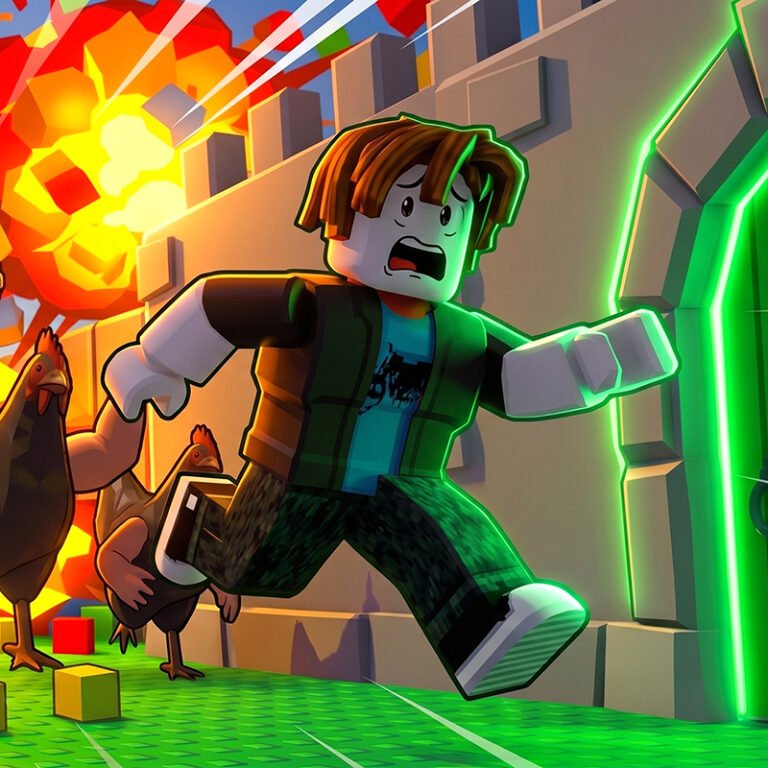
At first glance, it looks like a classic 3D obby—but the levels do not always play by the rules. Floors collapse without warning, platforms move at the worst moment, walls block familiar routes, and the obvious finish may be a trap. Run, jump, climb, collect coins, and learn from every attempt. Stay focused, remember each surprise, and find the real path to the finish.
Play Obby Way
The game loads from Playgama when you press Play. The provider may display advertising and purchase offers.
Open game in a new tab if the player does not load.
How to play
Your goal is to survive each evil obby level and reach the real finish door. Watch the environment carefully, time your jumps, and remember where the hidden traps activate. Collect coins to unlock new levels and hint eggs that warn you about traps. If a trap catches you, try again, learn its trick, and find the safe route!
Desktop Controls:
WASD or Arrow Keys: Move.
Hold Right-Click Mouse: Rotate the camera.
Spacebar: Jump.
E: Interact.
Left Mouse Button: Use the selected item.
Q: Drop the selected item.
1–0: Select an inventory item.
Esc: Pause the game.
Mobile Controls:
Left Joystick: Move.
Right Joystick: Rotate the camera.
Jump Button: Jump.
Interact Button: Interact with objects.
Use Button: Use the selected item.
Drop Button: Drop the selected item.
Inventory Button: Open the inventory.
Pause Button: Pause the game.
Device support
The provider catalogue lists: For Android, For IOS, For Desktop. Compatibility and performance depend on your browser, device and connection.
Frequently asked questions
Do I need to install an app?
No app installation is required for this browser version. A compatible browser and internet connection are needed.
Who provides the game?
This game is supplied through the Playgama partner catalogue. Its software and artwork belong to their respective rights holders. CLAWLOYAL does not claim ownership of it.
What if it does not load?
Use the new-tab link in the player, check your connection and try a current browser. If the problem continues, report the game address and device details through our Contact page.