Hex Mine 2D
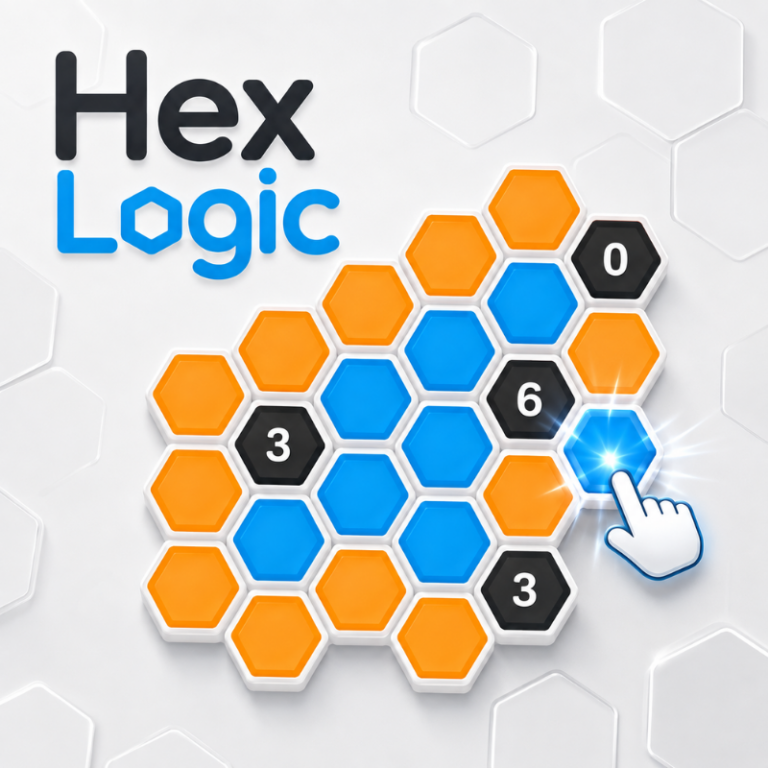
Test your logic in a clean and relaxing hexagonal puzzle experience. Each orange hexagon hides one of two states: blue or black. Use the numbered clues to determine the correct state of every cell. Each number tells you how many connected neighboring cells must be blue. Start with simple tutorial puzzles, then progress through 30 increasingly challenging levels featuring overlapping clues, consecutive groups, directional clues, and advanced deduction patterns. Every puzzle is designed to be solved through logic alone—no guessing required. Features 30 handcrafted logic puzzles Simple rules with increasing difficulty Clean minimalist visual style Mouse and touch controls Undo, restart, and hint options Mistake tracking Multiple advanced clue types Relaxing gameplay with no time pressure Progress saving and level selection
Play Hex Mine 2D
The game loads from Playgama when you press Play. The provider may display advertising and purchase offers.
Open game in a new tab if the player does not load.
How to play
Your goal is to correctly mark every orange hexagon as either blue or black.
A number inside a dark clue cell shows how many adjacent cells are blue.
Use the clues together to identify the correct state of each orange cell.
Mark all required blue cells and eliminate the remaining cells as black.
Complete the puzzle when no orange cells remain.
Controls
Desktop
Left-click: Mark a cell blue
Right-click: Mark a cell black
Click the same cell again: Undo that mark
U or Ctrl + Z: Undo
R: Restart
H: Hint
Esc: Pause
Mobile
Tap: Mark a cell blue
Long-press: Mark a cell black
Some versions may also include separate Blue and Black selection buttons.
Clue Examples
0: None of the neighboring cells are blue.
6: All six neighboring cells are blue.
3: Exactly three neighboring cells are blue.
Special clue symbols may indicate that blue cells must be consecutive, separated, or located along a specific direction.
Use deduction, compare overlapping clues, and solve every board without guessing.
Device support
The provider catalogue lists: For Android, For IOS, For Desktop. Compatibility and performance depend on your browser, device and connection.
Frequently asked questions
Do I need to install an app?
No app installation is required for this browser version. A compatible browser and internet connection are needed.
Who provides the game?
This game is supplied through the Playgama partner catalogue. Its software and artwork belong to their respective rights holders. CLAWLOYAL does not claim ownership of it.
What if it does not load?
Use the new-tab link in the player, check your connection and try a current browser. If the problem continues, report the game address and device details through our Contact page.