Crush Hour
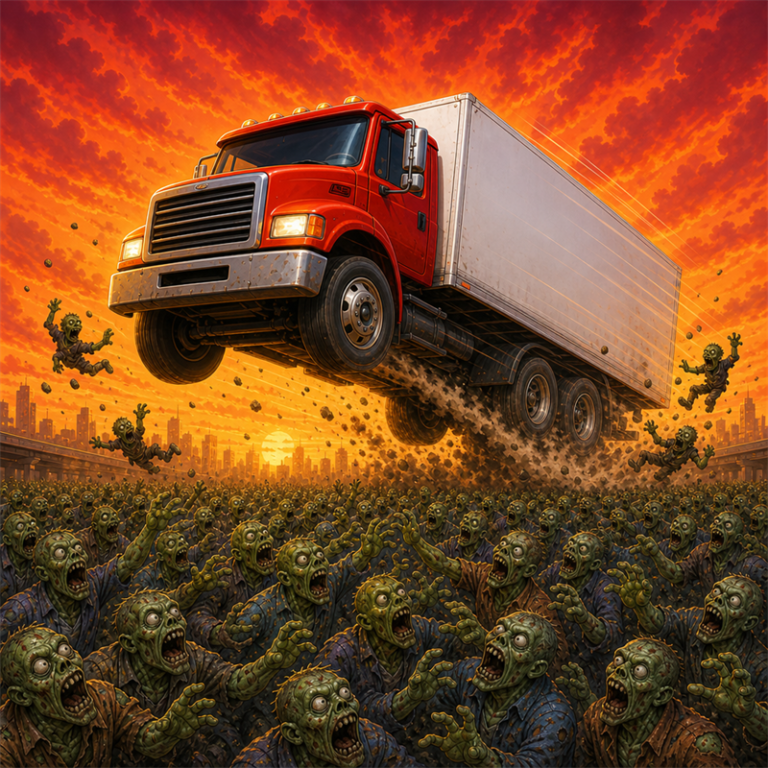
Crush Hour is an endless arcade runner set in a zombie rush hour. Your truck drives itself — swipe to change lanes, hop the sidewalk, and smash the undead for combos and score. Weave through traffic, ram cars and trucks for extra points, grab fuel before the tank runs dry, and snag Rampage pickups for a smash frenzy. Near-misses reward clean driving. Survive the jam, beat your best, and own the highway.
Play Crush Hour
The game loads from Playgama when you press Play. The provider may display advertising and purchase offers.
Open game in a new tab if the player does not load.
How to play
Rush hour belongs to the dead — and you are the truck. Your rig drives itself down an endless highway. Smash zombies for score and combos, weave past cars, and hop onto the sidewalk when the lanes get ugly. Cars nick your HP for a few points; trucks hurt more and pay more. Near-misses reward clean driving. Grab fuel cans before the tank runs dry, and snag the orange Rampage pickup for a smash frenzy. Survive as long as you can, beat your best score, and climb the leaderboard. There is no finish line — the wreck is the end, the high score is the win.
Desktop Controls: ← (Left Arrow) or A: Change lane left / hop onto the left sidewalk. → (Right Arrow) or D: Change lane right / hop onto the right sidewalk. Spacebar: Retry after a wreck.
Mobile Controls: Swipe left: Change lane left / hop onto the left sidewalk. Swipe right: Change lane right / hop onto the right sidewalk.
Device support
The provider catalogue lists: For Android, For IOS, For Desktop. Compatibility and performance depend on your browser, device and connection.
Frequently asked questions
Do I need to install an app?
No app installation is required for this browser version. A compatible browser and internet connection are needed.
Who provides the game?
This game is supplied through the Playgama partner catalogue. Its software and artwork belong to their respective rights holders. CLAWLOYAL does not claim ownership of it.
What if it does not load?
Use the new-tab link in the player, check your connection and try a current browser. If the problem continues, report the game address and device details through our Contact page.