Clown Fiesta
Clown Fiesta is a shooter: fight mobs, bosses, and other players, find weapons, and upgrade your character.
Play Clown Fiesta
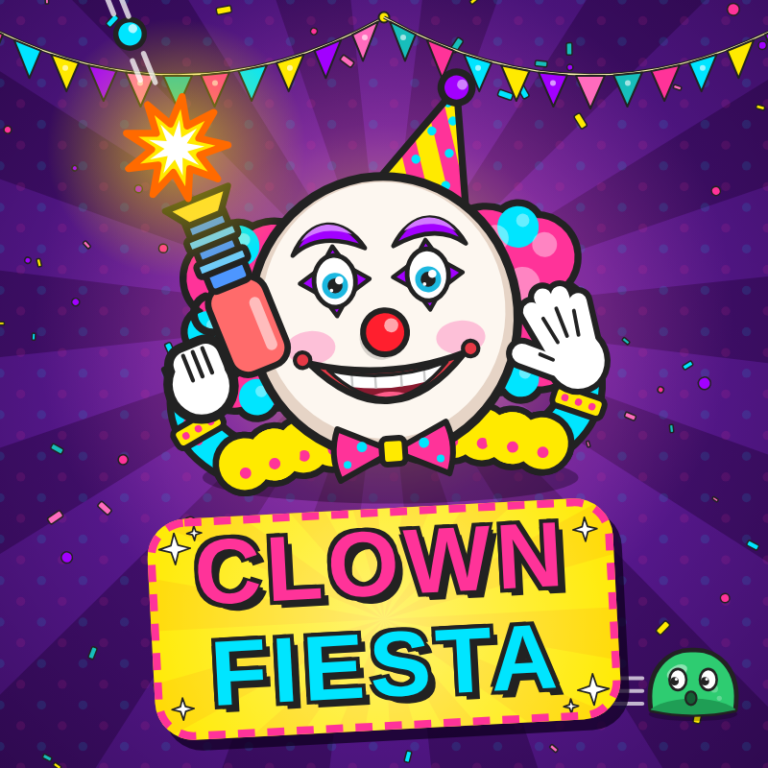
The game loads from Playgama when you press Play. The provider may display advertising and purchase offers.
Open game in a new tab if the player does not load.
How to play
Desktop (keyboard and mouse)
Movement
– W / A / S / D move.
– Space dash in the movement direction, or towards the aim when standing still.
Aim and attack
– Mouse move aims the weapon at the cursor.
– Left mouse button attacks with the current weapon. Hold to keep attacking at its fire rate.
– Right mouse button is the alternate attack: throws throwable melee weapons (Baseball Bat, Meteor Maul) and pokes with Sword, Tempest Glaive. Nothing with a gun.
– F throws a grenade, or detonates the one already in flight.
Weapons and pickups
– 1 / 2 select the melee or ranged slot.
– Mouse wheel cycles through occupied slots.
– Click a floor weapon to pick it up when in range. Orbs are collected by walking over them.
Spells, once the skill is learned
– Q Repel, E Shield, R Haste, C Fire Breath.
Menus and information
– U stat upgrades, I skill upgrades. Each opens only while points are unspent.
– Tab held shows the scoreboard.
– P pauses in solo games.
Mobile (touch screen, landscape)
Movement
– Touch anywhere on the right half of the screen and drag to move. The stick appears under your thumb.
– The jump button in the bottom-left corner dashes in the stick's direction, or towards the aim when standing still.
Aim and attack
– Aiming and attacking are automatic. The weapon locks onto the nearest visible enemy: guns fire at it, melee weapons swing once it is in reach. With no enemy around, the weapon faces where you move.
– Tap a barrel or a steam pipe to attack it instead. Tap empty ground to cancel.
– The Throw / Poke button next to the jump button is the alternate attack. It appears only with a weapon that has one: Throw for the Baseball Bat and Meteor Maul, Poke for the Sword and Tempest Glaive.
– The grenade button next to the jump button throws a grenade, or detonates the one already in flight.
Weapons and pickups
– Tap a weapon slot at the bottom of the screen to switch to it.
– A Pick up button appears next to the jump button when a floor weapon is in range. Orbs are collected by walking over them.
Spells, once the skill is learned
– Each learned spell adds a button above the jump button: Repel, Shield, Haste, Fire Breath.
Menus and information
– The two + buttons right of the weapon slots open stat upgrades and skill upgrades. They appear only while points are unspent.
– MENU and pause are in the top-right corner.
– Turning the device upright pauses the game until it is back in landscape.
Device support
The provider catalogue lists: For Android, For IOS, For Desktop. Compatibility and performance depend on your browser, device and connection.
Frequently asked questions
Do I need to install an app?
No app installation is required for this browser version. A compatible browser and internet connection are needed.
Who provides the game?
This game is supplied through the Playgama partner catalogue. Its software and artwork belong to their respective rights holders. CLAWLOYAL does not claim ownership of it.
What if it does not load?
Use the new-tab link in the player, check your connection and try a current browser. If the problem continues, report the game address and device details through our Contact page.