Battle of Banners
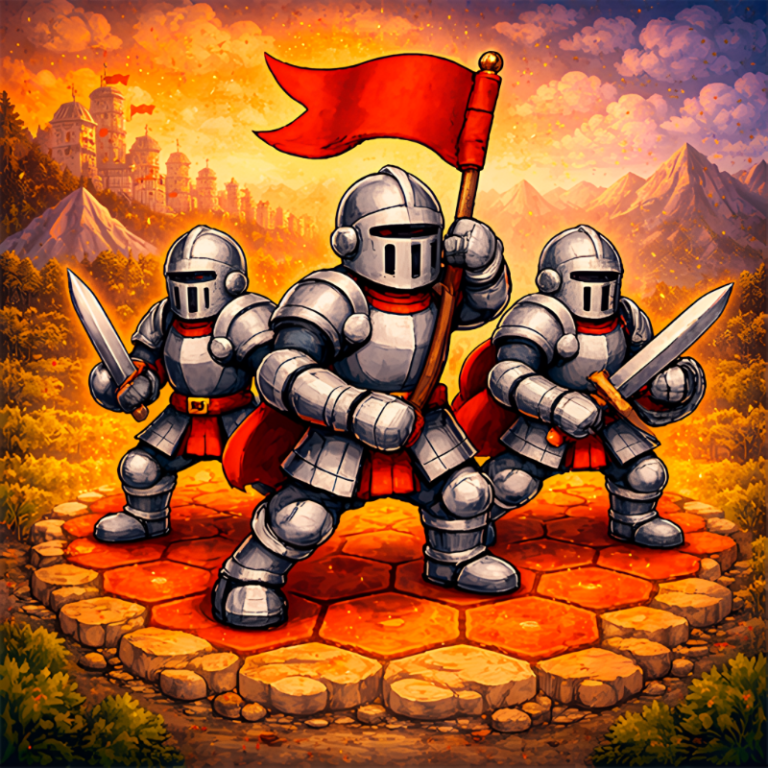
A war of banners on a hexagonal battlefield! In this turn-based medieval strategy you command a squad of knights, claim land, build camps, and shape the front line turn by turn. Every move matters: where to advance, which tile to block, whom to push back, and where to set an ambush by the forest or at a crossing. The winner is the one who expands faster than rivals and destroys their forces. Play your way: locally on one device with friends, against bots for practice, or online — in duels and multiplayer matches. Maps with varied terrain change the tactics, and every match stays dynamic and fair: only you, your opponent, and your decisions.
Play Battle of Banners
The game loads from Playgama when you press Play. The provider may display advertising and purchase offers.
Open game in a new tab if the player does not load.
How to play
Full rules — in the section.
Quick rules:
Goal — destroy all enemy soldiers and houses.
Turn — each soldier performs one action per turn: move or attack. You can spend gold as much as you want as long as you have enough.
Combat & capture — a soldier acts only on a neighboring tile. An attack = moving onto an enemy tile. If successful, the tile becomes yours. A soldier defeats another soldier if its level is higher; a level 4 soldier can attack any soldier. A house is destroyed immediately by any soldier.
Economy — income: +1 per income tile (in a chain connected to a house) and +2 per house. If you lack gold for upkeep, soldiers die starting with the most expensive.
Device support
The provider catalogue lists: For Android, For IOS, For Desktop. Compatibility and performance depend on your browser, device and connection.
Frequently asked questions
Do I need to install an app?
No app installation is required for this browser version. A compatible browser and internet connection are needed.
Who provides the game?
This game is supplied through the Playgama partner catalogue. Its software and artwork belong to their respective rights holders. CLAWLOYAL does not claim ownership of it.
What if it does not load?
Use the new-tab link in the player, check your connection and try a current browser. If the problem continues, report the game address and device details through our Contact page.