Break a Lucky Egg Brainrots
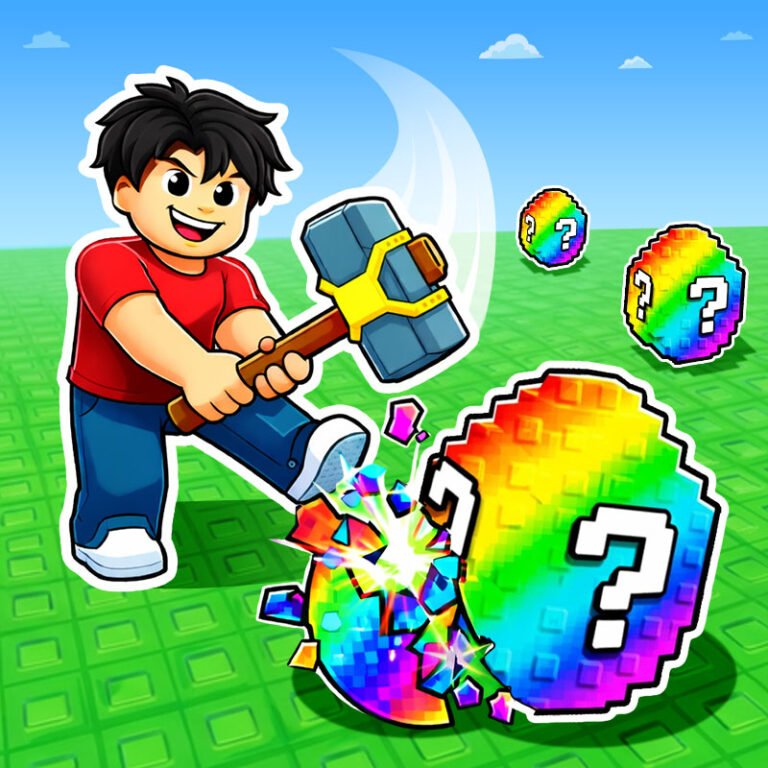
Break a Lucky Egg Brainrots is a fast and rewarding collection game where action, risk, and strategy come together. Your mission is to break brainrot eggs, collect rare Brainrot characters, and safely deliver them to your base before time runs out. Each run is a mix of decision making and reflex. The game supports both 1 player and 2 player modes, making it perfect for solo progression or competitive sessions with a friend. As you collect Brainrots, they start generating income in your base. That income allows you to unlock stronger pickaxes and hammers, break higher tier eggs, and expand your base up to 3 floors. With full upgrades, you can store up to many Brainrots and build a strong passive economy.
Play Break a Lucky Egg Brainrots
The game loads from Playgama when you press Play. The provider may display advertising and purchase offers.
Open game in a new tab if the player does not load.
How to play
Start breaking eggs to collect Brainrot characters.
Carry the Brainrots to your base before their timer expires.
Avoid skeleton enemies while carrying Brainrots.
Earn money from your base and upgrade your tools.
Expand your base floors to increase capacity.
Collect tickets and use them for cosmetics and special actions.
Steal Brainrots from other players if you have enough tickets.
Use rebirth to increase your earning multipliers.
Move: W, A, S, D
Run: Left Shift
Hit: Left Mouse Click or F
Jump: Space
Pick Up or Sell: E
Rebirth: T
Egg Index: H
Device support
The provider catalogue lists: For Android, For IOS, For Desktop. Compatibility and performance depend on your browser, device and connection.
Frequently asked questions
Do I need to install an app?
No app installation is required for this browser version. A compatible browser and internet connection are needed.
Who provides the game?
This game is supplied through the Playgama partner catalogue. Its software and artwork belong to their respective rights holders. CLAWLOYAL does not claim ownership of it.
What if it does not load?
Use the new-tab link in the player, check your connection and try a current browser. If the problem continues, report the game address and device details through our Contact page.