City Chase: Escape Police
City Chase: Escape Police is available as a browser game through the Playgama partner catalogue. Read the game instructions below before starting.
Play City Chase: Escape Police
The game loads from Playgama when you press Play. The provider may display advertising and purchase offers.
Open game in a new tab if the player does not load.
How to play
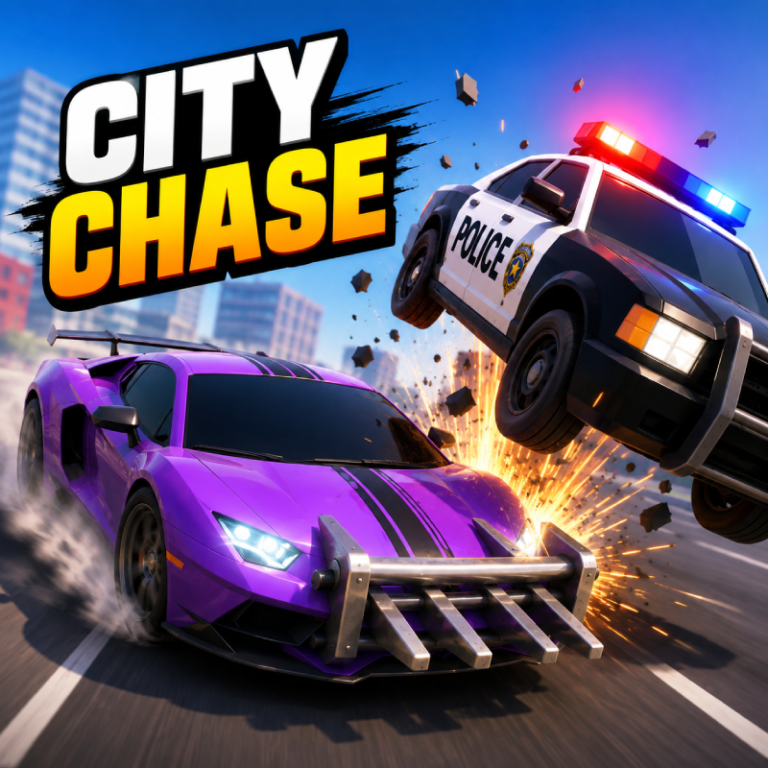
Dodge the police cars and survive as long as you can to achieve the highest score. Collect coins to fill the garage with cars.
Mobile Controls:
Hold Left Side of Screen: Steer left.
Hold Right Side of Screen: Steer right.
Hold Both Sides: Reverse.
Release: Straighten up — the car keeps accelerating on its own.
Button Mode: Switch to on-screen arrows with GO and REVERSE pedals at any time; your choice is saved.
Camera Button: Tap to drop the view in behind the car.
Reset Button: Tap to free your car if it gets stuck.
Desktop Controls:
← (Left Arrow) or A: Steer left.
→ (Right Arrow) or D: Steer right.
↓ (Down Arrow) or S: Reverse.
↑ (Up Arrow), W or Spacebar: Accelerate (in button mode — by default the car accelerates on its own).
Mouse: Hold the left button on the left or right side of the screen to steer that way.
R: Reset your car if it gets stuck, without ending the run.
Esc or the on-screen pause button: Pause.
Device support
The provider catalogue lists: For Android, For IOS, For Desktop. Compatibility and performance depend on your browser, device and connection.
Frequently asked questions
Do I need to install an app?
No app installation is required for this browser version. A compatible browser and internet connection are needed.
Who provides the game?
This game is supplied through the Playgama partner catalogue. Its software and artwork belong to their respective rights holders. CLAWLOYAL does not claim ownership of it.
What if it does not load?
Use the new-tab link in the player, check your connection and try a current browser. If the problem continues, report the game address and device details through our Contact page.