Dragon Block Blast
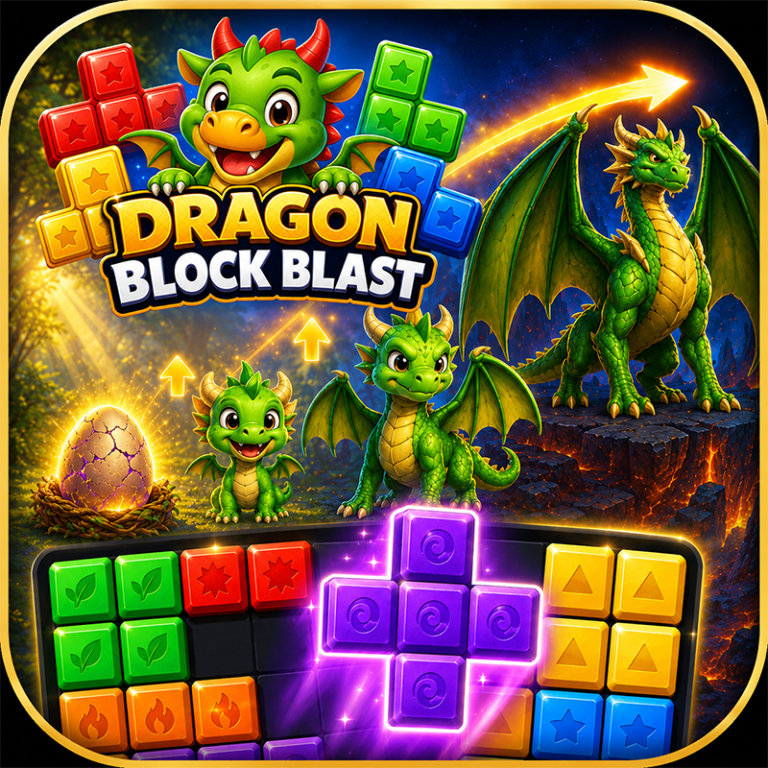
Hatch your dragon. Clear the grid. Rise through 100 levels. Deep in an enchanted forest, a golden dragon egg waits on a stone altar. Your block puzzle skills are the magic that brings it to life. In Dragon Egg Quest, you play through 100 solo levels — each one a score challenge on an 8×8 grid. Clear rows and columns, chain combos, and hit the target before you run out of moves. Every 10 levels, your egg evolves: cracks spread, a hatchling emerges, wings unfurl, and by the end a mighty dragon stands at your side. Beat Level 25 to unlock Head to Head duels. Complete all 100 levels for the full dragon evolution finale.
Play Dragon Block Blast
The game loads from Playgama when you press Play. The provider may display advertising and purchase offers.
Open game in a new tab if the player does not load.
How to play
How to Play — Dragon Egg Quest
Enter the quest — Tap Dragon Egg Quest from the home screen. Pick your level on the forest map (new levels unlock as you clear the one before).
Place blocks — Drag pieces from the tray onto the 8×8 grid. You always have 3 pieces; when they’re all used, a fresh set appears.
Clear lines for points — Fill a full row or column to blast it away and earn bonus points. Chain multiple clears for combo multipliers.
Hit the score goal — Each level has a score target that climbs as you advance. Reach it to clear the level — there’s no clock in solo mode, but the grid can fill up.
Watch your dragon grow — Every 10 levels triggers an egg milestone: your dragon evolves on the campaign map, with new backdrops and story beats as you progress.
Earn rewards — Clearing levels earns coins for hints and cosmetics. Stuck with no valid moves? Watch a short ad to get fresh blocks and keep going.
Unlock the full game — Reach Level 25 to unlock Head to Head rival duels. Push to Level 100 to complete the quest and see your dragon’s final form.
Device support
The provider catalogue lists: For Android, For IOS, For Desktop. Compatibility and performance depend on your browser, device and connection.
Frequently asked questions
Do I need to install an app?
No app installation is required for this browser version. A compatible browser and internet connection are needed.
Who provides the game?
This game is supplied through the Playgama partner catalogue. Its software and artwork belong to their respective rights holders. CLAWLOYAL does not claim ownership of it.
What if it does not load?
Use the new-tab link in the player, check your connection and try a current browser. If the problem continues, report the game address and device details through our Contact page.