Geometry Vibes X-Ball
Geometry Vibes X-Ball is ready to give you a completely different gaming experience! After the first game of the series, interactive new levels, challenge section and completely new store are waiting for you in X-Ball mode. Start your new adventure now in Geometry Vibes X-Ball game where you will find yourself avoiding obstacles, traps and gears in each level! What are Geometry Vibes X-Ball Game Modes? Classic Mode: Try to reach the portals at the end of a total of 10 levels that get harder as the levels pass. The last 3 levels are quite challenging! Endless Mode: Try to go as far as you can without hitting obstacles and traps. Challenge Mode: Challenging stages designed for master players are located in this section. Prove how good a Geometry Vibe X-Ball player you are with 5 different challenge levels. Race Mode: You can compete with your friends locally by playing levels with 2-3-4 player.
Play Geometry Vibes X-Ball
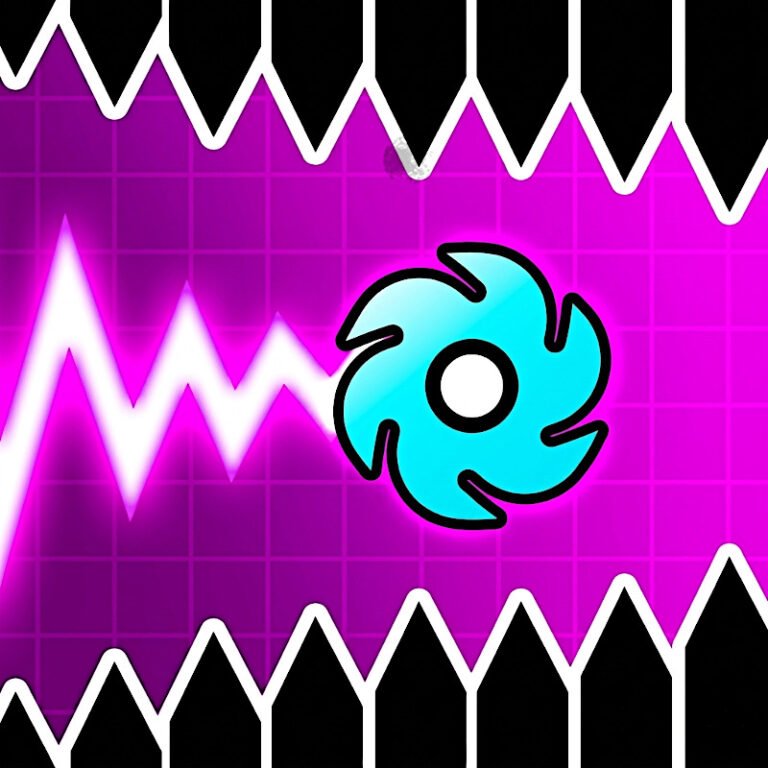
The game loads from Playgama when you press Play. The provider may display advertising and purchase offers.
Open game in a new tab if the player does not load.
How to play
The aim of the game is to reach the portal at the end without hitting anything.
Click "MOUSE LEFT-CLICK" or "SPACE" to accelerate upwards. Release the button to go down.
In 2,3,4 Player Modes, other players are controlled with "H", "L" and "UP ARROW KEY".
You can use touch controls on mobile devices such as tablets and phones.
Device support
The provider catalogue lists: For Android, For IOS, For Desktop. Compatibility and performance depend on your browser, device and connection.
Frequently asked questions
Do I need to install an app?
No app installation is required for this browser version. A compatible browser and internet connection are needed.
Who provides the game?
This game is supplied through the Playgama partner catalogue. Its software and artwork belong to their respective rights holders. CLAWLOYAL does not claim ownership of it.
What if it does not load?
Use the new-tab link in the player, check your connection and try a current browser. If the problem continues, report the game address and device details through our Contact page.