Insect Clicker Tutorial: Controls and Beginner Upgrade Tips
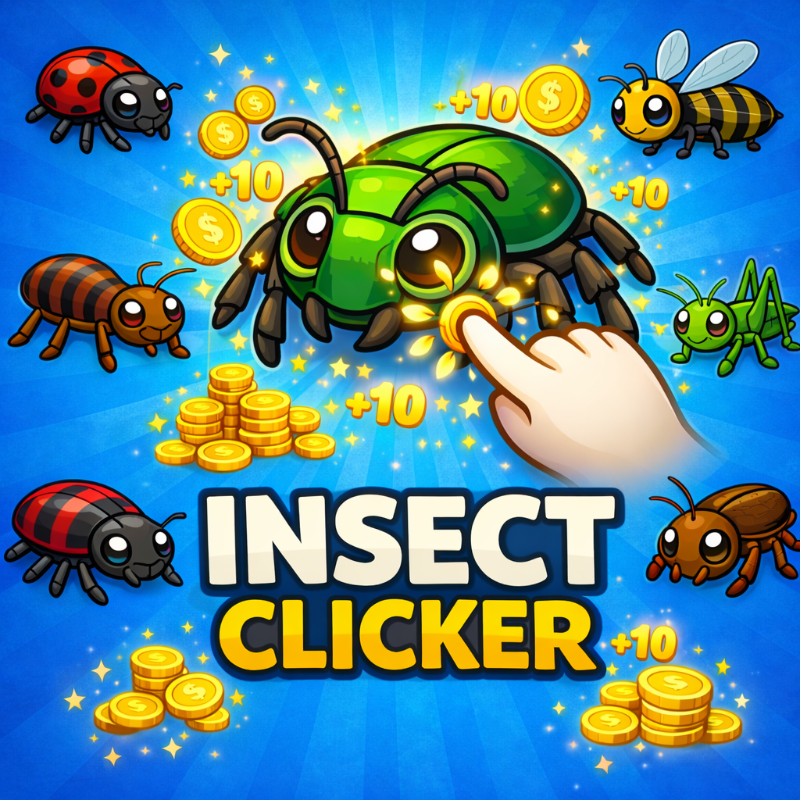
Insect Clicker revolves around tapping a tarantula coin, buying output upgrades and collecting insect skins. This beginner tutorial explains the basic loop before you play Insect Clicker.
Controls
On desktop, use the left mouse button. On a phone, tap the game interface.
Your first purchases
- Click the coin and watch how your balance changes.
- Read each upgrade’s price and output before buying.
- Compare progress after one purchase before choosing another.
Upgrade or skin?
Upgrades increase output; skins provide customization. If your goal is progression, consider an output purchase first. Treat this as a planning tip, not a guaranteed best build: prices and available choices determine the useful next purchase.
Common questions
Are coins real money?
This guide discusses the game’s currency, not withdrawable earnings.
What if an upgrade is unclear?
Check its in-game description and compare the result after purchasing.
Keep playing
Start Insect Clicker. For different management challenges, try The MachinEGG or Busy Bites Tycoon.