Lost Adventure
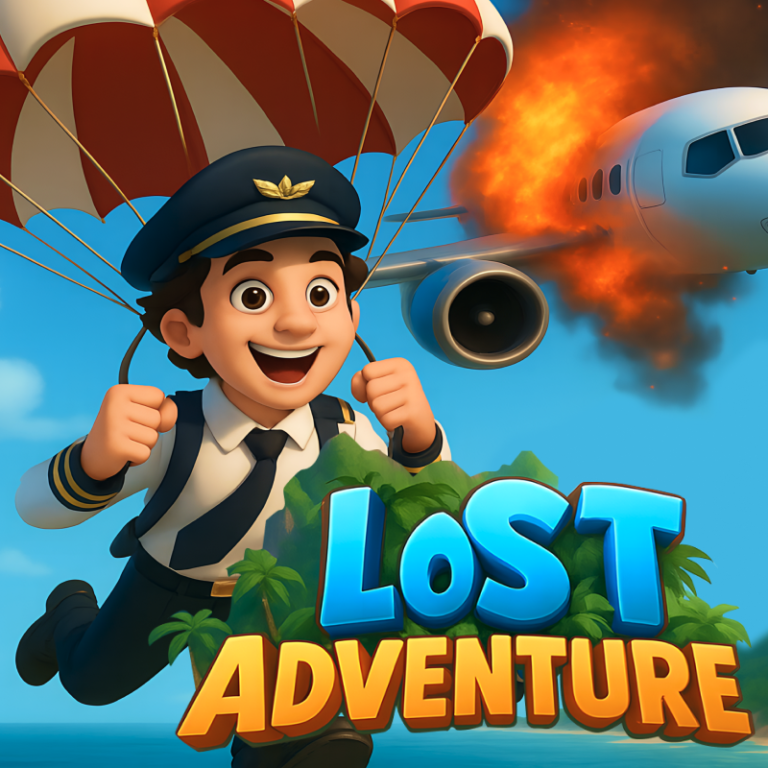
"Survivors of a mid-air crash find themselves in a mysterious land. The pilot, amidst crafting, mining, and solving puzzles, works tirelessly to save passengers stranded on separate islands in the wild grass. Can they conquer the challenges, reunite, and escape the enigmatic realm before the unknown dangers lurking in the wilderness engulf them all?" Embark on a thrilling adventure after a plane crash strands you in a mysterious, wild land. As the pilot, you must gather resources from wreckage, craft tools, and navigate through the wild grass to rescue scattered passengers on small islands. Explore ancient ruins, solve puzzles, and mine resources to unlock the secrets of this enigmatic realm. Encounter friendly and hostile creatures, and use your crafted weapons to survive. Communicate with other survivors, separated by streams and dense vegetation, through makeshift signals.
Play Lost Adventure
The game loads from Playgama when you press Play. The provider may display advertising and purchase offers.
Open game in a new tab if the player does not load.
How to play
Become a True Survivor!
Step into the role of a skilled pilot whose plane has crash-landed on an uncharted island—one that doesn’t exist on any Earth map. In this gripping RPG survival adventure, your mission is clear: find and rescue every passenger, brave the unknown, and uncover the island’s secrets.
Scavenge for resources, battle mysterious threats, and lead your group to safety. Rebuild what’s broken, forge alliances, and piece together a way off the island. Every choice matters, and survival depends on your courage, cunning, and determination.
Can you reunite your crew, outsmart the dangers, and escape the island that time forgot?
Desktop Controls:
W/↑ (Up Arrow): Move forward.
S/↓ (Down Arrow): Move backward.
A/← (Left Arrow): Move left.
D/→ (Right Arrow): Move right.
Mobile Controls:
On-Screen Joystick: Move in all directions by dragging the joystick.
Device support
The provider catalogue lists: For Android, For IOS, For Desktop. Compatibility and performance depend on your browser, device and connection.
Frequently asked questions
Do I need to install an app?
No app installation is required for this browser version. A compatible browser and internet connection are needed.
Who provides the game?
This game is supplied through the Playgama partner catalogue. Its software and artwork belong to their respective rights holders. CLAWLOYAL does not claim ownership of it.
What if it does not load?
Use the new-tab link in the player, check your connection and try a current browser. If the problem continues, report the game address and device details through our Contact page.