Moscow Metro Simulator
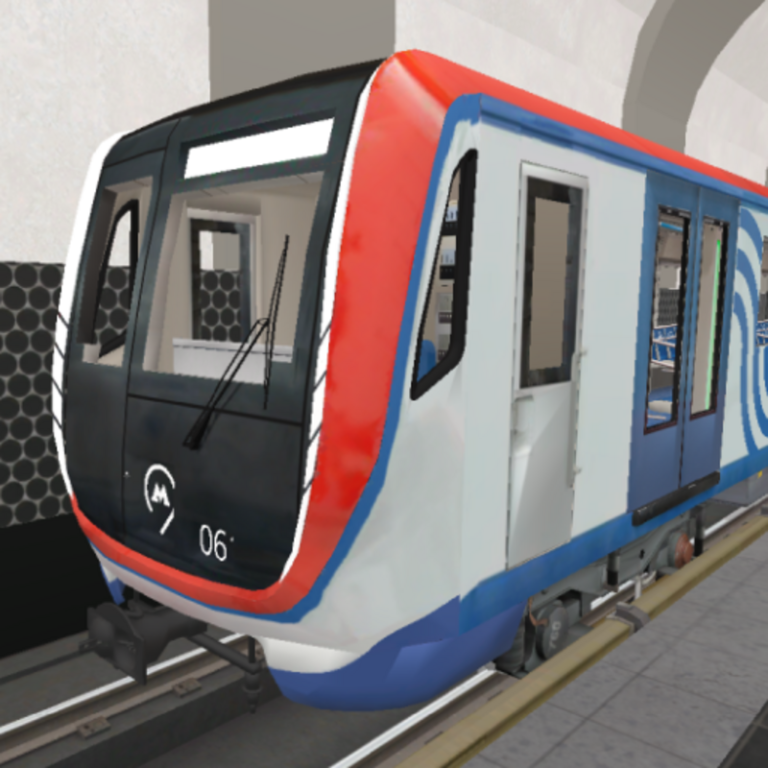
Drive a Moscow metro train, transport passengers, explore stations! • Metro lines: – Kalininskaya (8) (Tretyakovskaya, Marksistskaya, Ploshchad Ilyicha, Aviamotornaya, Shosse Entuziastov, Perovo, Novogireyevo, Novokosino) • Trains: – "Nomernoy" 81-717/714; – "Oka" 81-760/761; – Wagon type "E" 81-703; – "Moscow" 81-765/766. • Informant: the real records of the informant of the Moscow metro. • Game Modes: – Driver mode: control the Moscow metro train; – Training: learn how to drive a train.
Play Moscow Metro Simulator
The game loads from Playgama when you press Play. The provider may display advertising and purchase offers.
Open game in a new tab if the player does not load.
How to play
• Train control:
– Speed dial: move the controller on the left to the position "X1", "X2", "X3" or "X4";
– Speed reduction: move the controller on the left to the position "T1", "T2" or "T3";
– Start recording the informant: a button with a speaker on the bottom right;
– Doors: a button with doors on the bottom right (to open the doors, you need to be at the station, no more than 3 meters from the rail);
– Camera – camera button in the upper left corner;
– Switch headlights – a button with a light indication on the bottom right;
– Beep – hold down the button with the pipe from the bottom right.
• Walking through the stations:
– Get off the train: the "Get off the train" button on the bottom left (appears when stopping at the station, no more than 3 meters from the rail);
– Get back on the train: the "Get back on the train" button on the bottom left;
– Walking: Desktop: WASD | Mobile devices: Left joystick;
– Camera rotation: Desktop: Mouse movement | Mobile devices: The right joystick
Device support
The provider catalogue lists: For Android, For IOS, For Desktop. Compatibility and performance depend on your browser, device and connection.
Frequently asked questions
Do I need to install an app?
No app installation is required for this browser version. A compatible browser and internet connection are needed.
Who provides the game?
This game is supplied through the Playgama partner catalogue. Its software and artwork belong to their respective rights holders. CLAWLOYAL does not claim ownership of it.
What if it does not load?
Use the new-tab link in the player, check your connection and try a current browser. If the problem continues, report the game address and device details through our Contact page.