Restore Lab
Restore Lab is available as a browser game through the Playgama partner catalogue. Read the game instructions below before starting.
Play Restore Lab
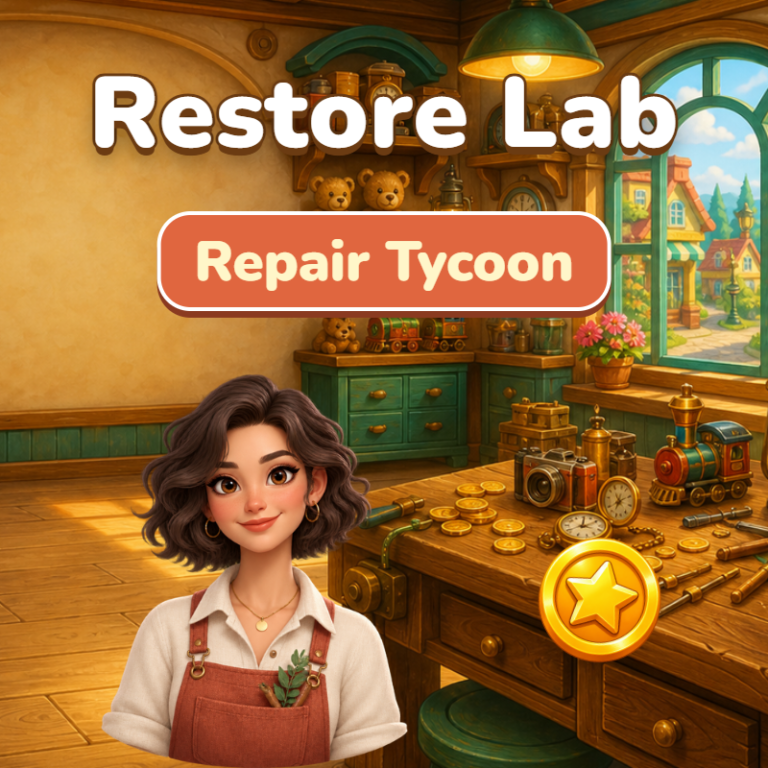
The game loads from Playgama when you press Play. The provider may display advertising and purchase offers.
Open game in a new tab if the player does not load.
How to play
1. Tap an item on a workbench to repair it and earn coins. Tap quickly to fill the rush meter for double income.
2. Press Upgrade to raise a bench's level and earnings. At levels 25, 50, 100, 200 and beyond the bench works twice as fast.
3. Hire a helper so the bench works on its own, including while you are offline.
4. Open new benches for more valuable items, and buy Tools for permanent multipliers.
5. Complete Goals for bonus coins. Use Buy x1 / x10 / MAX to upgrade in bulk.
6. Open the Map to move to a new district when you have earned enough: income is multiplied and you keep a permanent perk.
7. When a collector arrives, repair the item by hand: pick a tool and drag over the object to wash, scrape, glue and polish.
Controls: mouse or touch. Progress saves automatically. Language: English or Russian in Settings.
Device support
The provider catalogue lists: For Android, For IOS, For Desktop. Compatibility and performance depend on your browser, device and connection.
Frequently asked questions
Do I need to install an app?
No app installation is required for this browser version. A compatible browser and internet connection are needed.
Who provides the game?
This game is supplied through the Playgama partner catalogue. Its software and artwork belong to their respective rights holders. CLAWLOYAL does not claim ownership of it.
What if it does not load?
Use the new-tab link in the player, check your connection and try a current browser. If the problem continues, report the game address and device details through our Contact page.