Scale the wheels
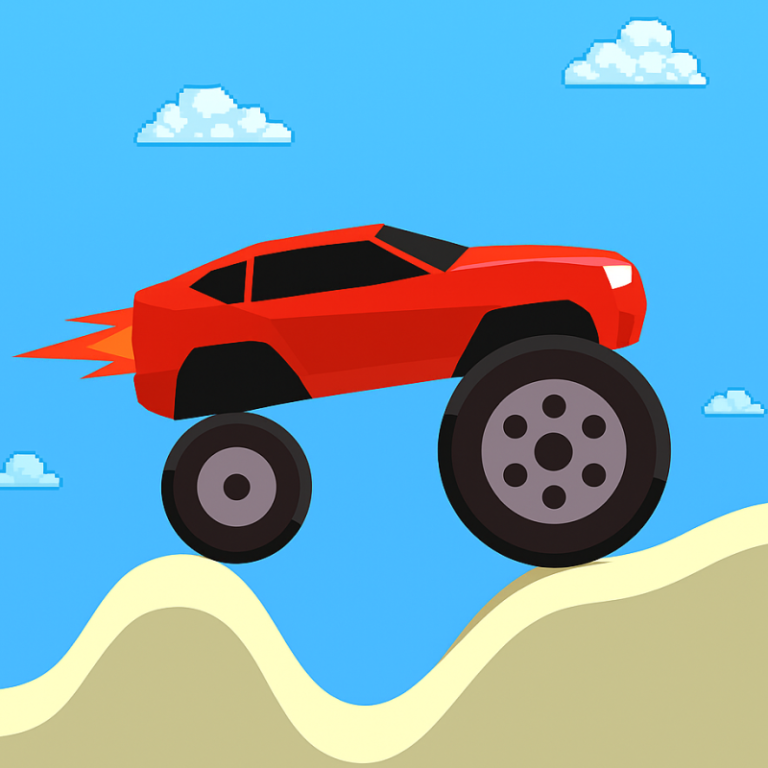
The game where size matters! Your mission is to change the size of the wheels, transitioning from small to large and vice versa, to overcome a variety of obstacles and progress through levels. But that's not all! The size of the wheels also affects the speed of your car, adding excitement to the gameplay.
Play Scale the wheels
The game loads from Playgama when you press Play. The provider may display advertising and purchase offers.
Open game in a new tab if the player does not load.
How to play
Your goal is to reach the finish line. To do this, use the slider in the game to change the size of the wheels.
Small wheels allow you to accelerate. Large wheels allow you to drive into high obstacles, but because of them the car becomes slow. Also, the larger the wheels, the more the car turns into the standard position if it is not standing on all wheels at the moment.
If you get stuck, try to drastically change the size of the wheels, so the car can bounce.
In some levels, it is important to gain speed in order to hit an obstacle.
If you realize that the car is stuck, stopped and does not move even when you change the size of the wheels, then use the restart button of the level and try to pass it again.
Pump up the acceleration level so that at the end of the level the car can jump as far as possible and earn as many coins as possible.
Control on all platforms using the game interface.
Device support
The provider catalogue lists: For Android, For IOS, For Desktop. Compatibility and performance depend on your browser, device and connection.
Frequently asked questions
Do I need to install an app?
No app installation is required for this browser version. A compatible browser and internet connection are needed.
Who provides the game?
This game is supplied through the Playgama partner catalogue. Its software and artwork belong to their respective rights holders. CLAWLOYAL does not claim ownership of it.
What if it does not load?
Use the new-tab link in the player, check your connection and try a current browser. If the problem continues, report the game address and device details through our Contact page.