The Pirate Sea. The Smuggler’s Way
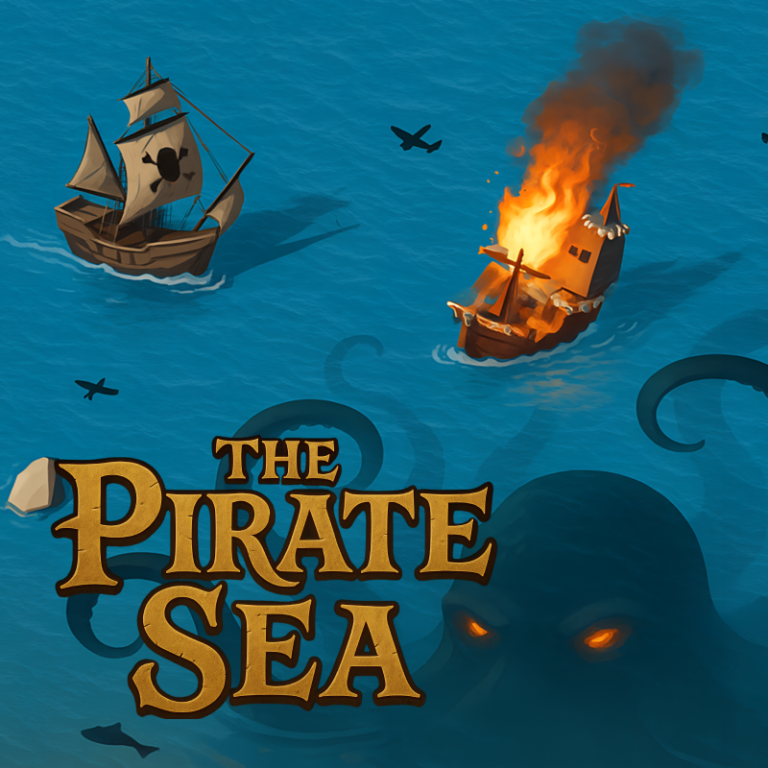
In the game you have to take on the role of a smuggler. Search for treasures, complete various tasks, destroy enemy ships, capture islands, upgrade your ship, beware of sea monsters and become the most famous smuggler.
Play The Pirate Sea. The Smuggler's Way
The game loads from Playgama when you press Play. The provider may display advertising and purchase offers.
Open game in a new tab if the player does not load.
How to play
PC Management:
Up arrow – Straight movement
Down arrow – Backward movement
Right Arrow – Move to the right
Left Arrow – Move to the left
Key "D" – Shooting from the right side.
Key "A" – Shooting from the left side.
Left Shift – Acceleration
Management for Mobile devices:
Up arrow button – Straight movement
The down arrow button is a backward movement.
Left arrow button – Move to the left
Right arrow button – Move to the right
A button with a burning shell on the left – Shooting from the left side
A button with a burning shell on the right – Shooting from the starboard side
Red-and-white arrow button – Acceleration
For accelerated swimming, you need food, it is spent while swimming in the sea.
To set the course, open the map and click on the compass icon near the desired location.
The leaderboard shows the amount of your gold.
Device support
The provider catalogue lists: For Android, For IOS, For Desktop. Compatibility and performance depend on your browser, device and connection.
Frequently asked questions
Do I need to install an app?
No app installation is required for this browser version. A compatible browser and internet connection are needed.
Who provides the game?
This game is supplied through the Playgama partner catalogue. Its software and artwork belong to their respective rights holders. CLAWLOYAL does not claim ownership of it.
What if it does not load?
Use the new-tab link in the player, check your connection and try a current browser. If the problem continues, report the game address and device details through our Contact page.