Up, Up, and Oops!
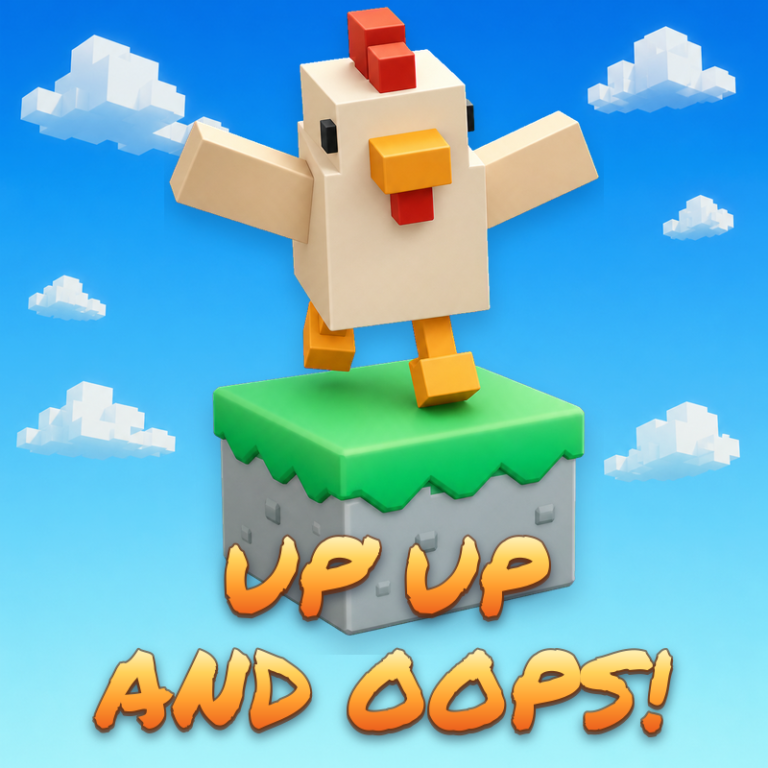
Climb floating paths in this fast-paced 3D arcade action game. Read the path, choose the correct direction, and move before the tiles collapse. Progress through increasingly challenging levels in Classic mode, aim for your highest score in Endless mode, or race against up to six players in Online Race. Earn stars, unlock new characters, tiles, and titles, and compete on the all-time leaderboards.
Play Up, Up, and Oops!
The game loads from Playgama when you press Play. The provider may display advertising and purchase offers.
Open game in a new tab if the player does not load.
How to play
Climb the floating path by choosing the correct action for the next tile. If the path continues straight ahead, jump forward. If it turns, press the direction in which the path continues. Make your choice before the gauge runs out.
In Classic mode, clear every step to unlock the next level. Each level becomes longer and more difficult, and your next run starts after the latest level you cleared. You can earn rewards for reaching new steps even if you fail, and you may watch an advertisement to double the reward earned from that run.
In Endless mode, climb as high as possible and aim for a new high score. Classic and Endless give you three lives. After losing all three, you may use one available revive.
In Online Race, compete against 2–6 players for two minutes. Reach a higher step than the other racers to finish ahead of them. Falling returns you to your latest checkpoint, placed every 20 steps.
Desktop Controls:
W or ↑: Move upward.
S or ↓: Move downward.
A or ←: Move left.
D or →: Move right.
Spacebar: Jump forward.
Mobile Controls:
UP, DOWN, LEFT, and RIGHT Buttons: Move in the selected screen direction.
JUMP Button: Jump forward in the direction your character is facing.
Device support
The provider catalogue lists: For Android, For IOS, For Desktop. Compatibility and performance depend on your browser, device and connection.
Frequently asked questions
Do I need to install an app?
No app installation is required for this browser version. A compatible browser and internet connection are needed.
Who provides the game?
This game is supplied through the Playgama partner catalogue. Its software and artwork belong to their respective rights holders. CLAWLOYAL does not claim ownership of it.
What if it does not load?
Use the new-tab link in the player, check your connection and try a current browser. If the problem continues, report the game address and device details through our Contact page.